Microchip Microcontrollers

PIC microcontrollers consist of a processor core, memory and
input/output peripherals for interfacing, all integrated on a single chip

View Our Services

PIC Microcontroller
of the last generation

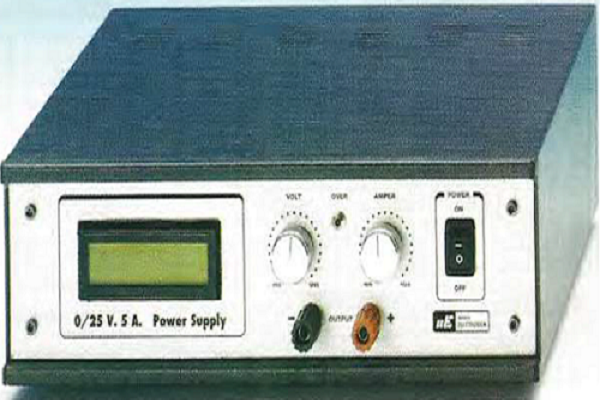
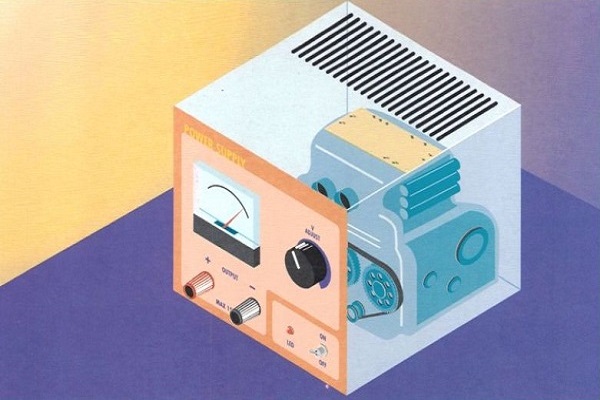
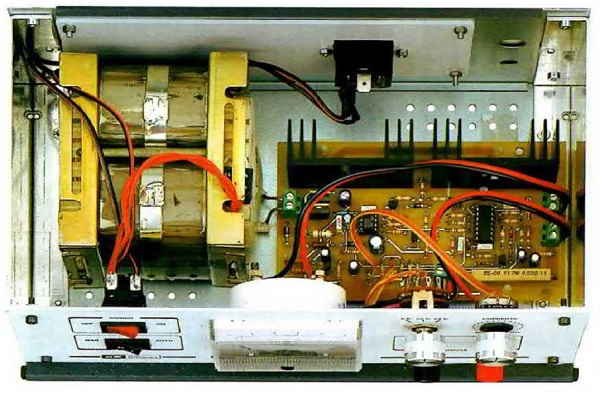
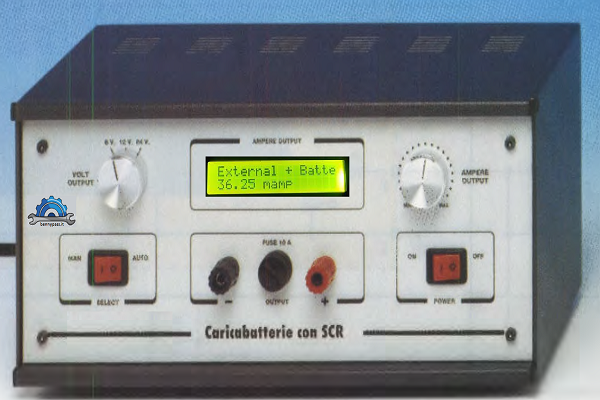
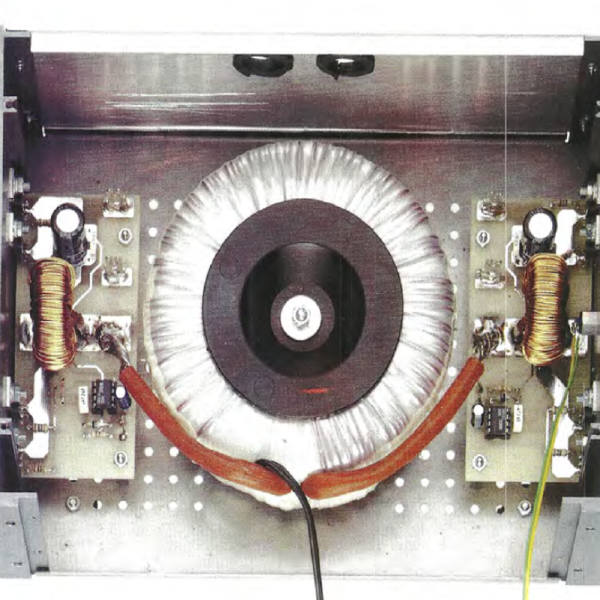
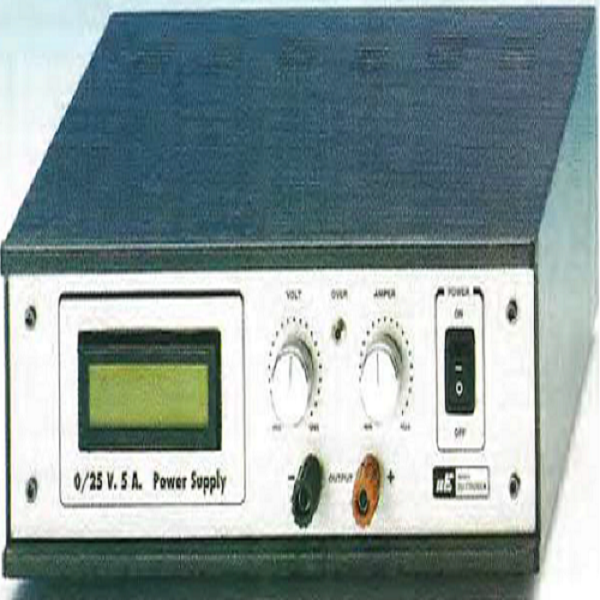
Switching power supplies embody the key technologies of power
solutions, they reduce weight and space with greater power

Meet our Experts

Microchip Releases
PIC16F13145 Family of MCUs

The Next Evolutionary Step in Customizable Logic

Contact us

PIC16 Series

Peripheral Interface Microcontroller, PIC microcontrollers, came to the form in 1993. Initially, they were designed and developed to support PDP computers to control peripheral devices. PIC microcontrollers are fast and easy microcontrollers for executing programs in it. It is based on one of the famous architecture, Harvard architecture.

Besides, the ease of programming, interfacing, wide availability, lower cost, serial programming capability, and more extensive user base are the reasons that make these PIC microcontrollers popular.

This article briefly explains the PIC microcontroller, which requires consideration before choosing a PIC microcontroller. Additionally, it also listed the top 20 PIC microcontrollers that can be found in the market.

Circuit 121 - special Christmas lights with PIC16F84

Image
Lorem ipsum dolor sit amet, consectetur adipiscing elit. Integer adipiscing erat eget risus sollicitudin pellentesque et non erat. Maecenas nibh dolor, malesuada et bibendum a, sagittis accumsan ipsum. Pellentesque ultrices ultrices sapien, nec tincidunt nunc posuere ut. Lorem ipsum dolor sit amet, consectetur adipiscing elit. Nam scelerisque tristique dolor vitae tincidunt. Aenean quis massa uada mi elementum elementum. Nec sapien convallis vulputate rhoncus vel dui.

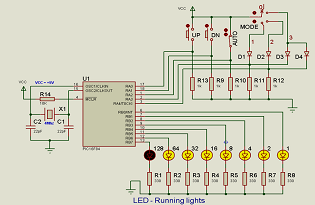
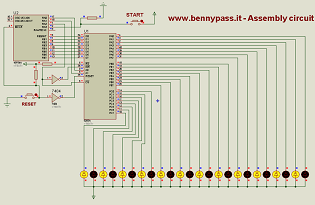
Circuit 124 - LED Running lights with PIC16F84A

Image

The circuit can be controlled by 8 LEDs and can be controlled via a switch in auto mode, or in manual mode via Push Button. The circuit is very easy for those who want to learn microchip programming. For more details click on the figure alongside

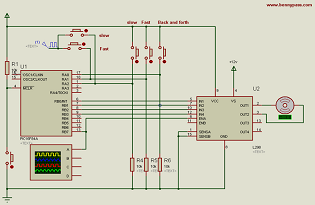
Circuit 135- PWM DC Motor Speed Control with PIC16F84A

Image

Excellent circuit tested with Proteus which concerns the speed control of the stepper motor, in forward and reverse mode, in slow or fast mode, all managed via push buttons. The source code is all in assembly language. For more details do not hesitate to contact us.

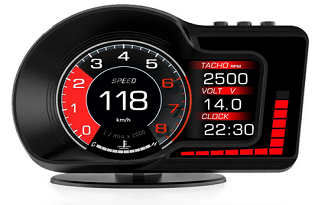
Circuit 136 - Car Speed Alarm with PIC16f84

Image

Anyone who drives will inevitably exceed the stated speed limit from time to time, either on purpose or due to lack of attention. But these days, speeding isn’t really a good idea. Aside from the obvious safety considerations, there are plenty of speed cameras around and it’s easy to get a hefty fine or even lose your driver’s license. The circuit is composed of a digital display or with LEDs, and also can be connected via GPS. For more details click here to see the installation mode.


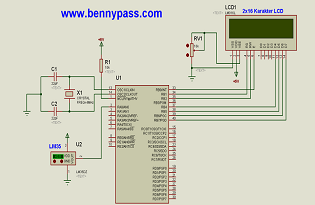
Circuit 138 - Temperature Sensor with LM35, display LCD, and PIC16F877

Image

We are making a Digital Thermometer using a PIC microcontroller and LM35 Temperature Sensor. In this project, we will sense the temperature using LM35 and display it on a 16x2 LCD. LM35 Temperature Sensor is accurate and cheaper and doesn’t require any external calibration. The output voltage is proportional to the Celsius temperature scale and changes by 10mV per °C. The source code is in assembly and can be downloaded from here


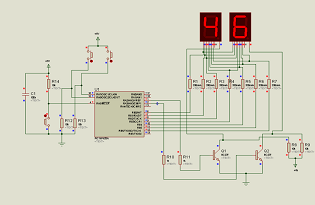
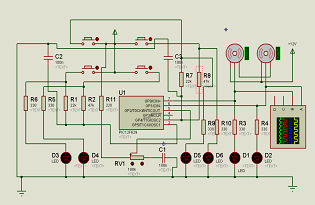
Circuit 139 - Counter Circuit with PIC16F628

Image

This circuit seems simple but it's not like this. In the circuit, there are buttons, two of them are used to increase or decrease the numbers, and the last one is used to reset the counter. This circuit is very important because instead of buttons, limit switches can be connected, and can be used as a piece counter. For more details regarding the working principle of this circuit, click here. The source code is in assembly


Circuit 140 - Counter Circuit from 0 to 9999 with PIC16F628

Image

This circuit seems simple but it's not like this. In the circuit, there are buttons, two of them are used to increase or decrease the numbers, and the last one is used to reset the counter. The functionality is exactly the same with the 139 circuits, of course, change the capacity of the counter, the 140 circuit reaches up to the thousands. For more details regarding the working principle of this circuit, click here. The source code is in assembly


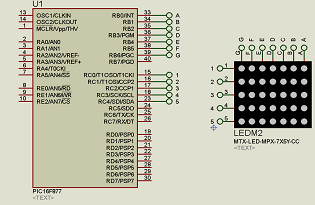
Circuit 141 - Digit Dot Matrix LED Display with PIC16F877

Image

In this post, I’ll show you how two QDSP-L149 5×7 dot matrix LED Displays can be used to create a 4-digit display module. The trick is to change the roles of rows and columns. So now each 5×7 Dot Matrix display can show 2 digits instead of only one. Any other similar 5×7 Dot Matrix Display should work, just verify that the right upper dot for each 5×7 unit is connected to RD0,RB0 (columns) and its row to RC0 respectively. You can use the attached QDSP-L149 diagram as a reference, otherwise, you’ll need to modify the code for your design. The prototype was built on a standard 830 Breadboard. The power supply is a simple 7805 regulator. However, if you have PIC16LF877A that can operate with a lower voltage of 3.3V for example, current limiting resistors at ULN2003 outputs can be omitted, see schematic for additional info. For MCU programming I recommend using programmers like PICKIT2, and PICKIT3. The assembly code for this project is available here.


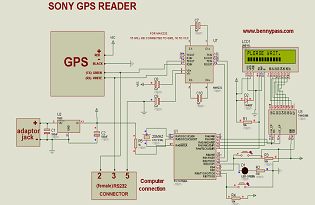
Circuit 142 - GPS SONY CXD2951GA4 with PIC16F628

Image

Sony CXD2951GA4 using GPS satellite clock, date, coordinates, speed and degree information at 2 × 16 character LCD is shown. The Communication uses the protocol nmea 0183 4800 bps. The project was shared by XX_CİHAN_XX and slightly modified by me according to my needs. The Project was tested via ISIS, and in the next few days it will be tested with real GPS. The source code is written in assembly which you can download here


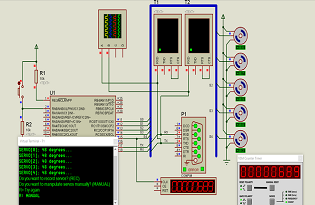
Circuit 143 - Control of 5 Servos with PIC16F886

Image

Excellent circuit written all in assembly. The PIC16F877 controls 5 servos simultaneously with maximum precision. The system is also equipped with internal feedback which ensures the correct position of the Servo. It is possible to drive the servos via the supplied program, or with the HEX code, both from the serial port. The program was studied especially for robotic arms where more than one is needed. For further details, see the sheet here, you will find all the details including the source code


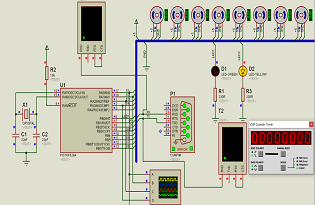
Circuit 144 - Control of 8 Servos with PIC16F628

Image

To follow this project need to arm themselves with demoboard 16F876 (or 16f877), the RS232 module, a PC serial port and 8 servants well. If you do not have home-8 servants, you can also use a door solo. All B ports of the PIC will be connected to the wireless signal of the servants and the rs232 module connects to the pins RC6 and RC7. You can connect the PC to the serial form rs232, program the PIC and install the control program on your PC. Connections must be: Connect the pins of all ports B to the control of each servo. Connect the pin RC6 (17-pin serial Tx) to module rs232 and pin RC7 (18-pin serial Rx). The power supply of servos must be separate from the power supply of the RS232 to avoid that sometimes the PIC will reset due to voltage drop.


Circuit 145 - JoyStick Controller of Servo Motors with PIC12F629

Image

The circuit is fairly simple. The input from the Joy Stick has been separated into two sections to make detection easy and this requires 2 inputs.

A pot is connected to another input line and 2 more lines are required for the servos. Pin 8 is connected to 0v and pin 1 is connected to the supply. The only unused pin is GP3 (Input ONLY),

Most of the work is done by the micro. It uses a technique of charging a capacitor via a resistor and determining how long it takes to charge, to work out which switch is pressed or the position of the pot.

It then outputs a 1mS or 2mS pulse to one of the servo motors to create clockwise or anticlockwise rotation of the output shaft and the speed of rotation can be set by adjusting the pot. The two LEDs on the output pins let you see the pulses being delivered to the servos when the project is used to test these devices. For more details see the article here


Circuit 146 - Ultrasonic Distance Meter with PIC16F877A

Image

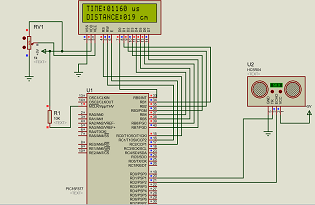
Ultrasonic Sensors act as the eyes and ears for all embedded applications, they help the digital Microcontroller to understand what is actually happening in this real Analog world. This article shows how to Interface the Ultrasonic Sensor HC-SR04 with a PIC microcontroller.

The HC-SR04 is an ultrasonic sensor which can be used to measure distances anywhere between 2cm to 450cm (theoretically). This sensor has worked well in many projects which involve obstacle detection, distance measuring, environment mapping etc. To better understand its operation, an LCD display has been installed to display the correct distance. For more details visit the page here


Circuit 147 - Ultrasonic Distance Meter Circuit with PIC16F873

Image

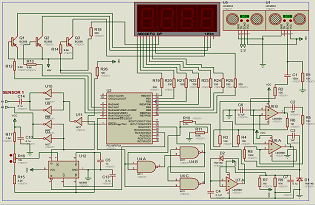
This circuit is equipped with all the components necessary to make the ultrasonic sensors work, in fact, as you can see, from the Figure adjacent, in addition to the microcontroller (PIC16F873) there are also the complete circuits which drive directly the ultrasonic sensors, and they are: LM358, LM555C, and the CD4069 CMOS, let's say that these 3 components are incorporated inside device when buying the HC-SR04 (ultrasonic sensor). The source code is all in assembly, for more details visit the related page here.


Circuit 148 - Thermometer, Date and Time with 7 Segment display and PIC16F877A

Image

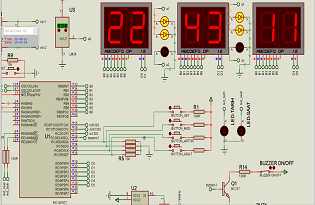
Excellent digital clock, 5 pieces sold for commercial activities. The system with the latest update includes 3 temperature sensors, the date and the exact time, all connected to the wi-fi network to update based on the exact time (summer time, standard time). The circuit is composed as shown in the Figure adjacent, PIC16F877, push buttons for manual programming (with the new model connected to the internet via wi-fi this is not required). The system updates itself. The new system also includes a Buzzer or a relay output to indicate any alarms relating to the temperature (low or high depending on the setting). Consider also inside there is a circuit with DS1302 which is designed to operate on very low power and retain data and clock information on less than 1µW. The DS1302 is the successor to the DS1202. On request, it is possible to connect two cameras controlled and regulated via the Internet. The source code is in assembly.


Circuit 149 - 8-Channel RF Relay Control Circuit RS232 with Pic16f628

Image

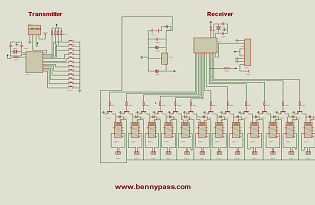
The relay control circuit is composed of 8 relays via computer through the port com RS232 which communicates with the microcontroller PIC16f628. The RF modules (433 MHz) can be controlled wirelessly or via the Internet, or with the last update also via radio.
This circuit has been built and sold 5 times as home automation, thanks to relays which can be set in different configurations, exspecially via radio, in fact, this circuit can be used also to open in auto mode the garden door, or even the garage (BEST AUTOMATION), including the indication via Internet or wi-fi during door open or close.
The program is all written in assembly, for information contact the site


Circuit 150 - 8-Channel RF Transceiver Circuit with PIC16F628 Application

Image

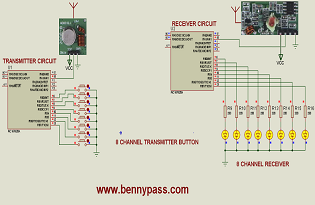
As I said in the previous circuit149, this circuit (150) is part of that circuit, in fact, it is the added system for the radio command. In total, were built18 and sold for various automation. The circuit includes two boards, both with PIC16F628, one acts as a transmitter, while the other acts as a receiver. The transmitter circuit is very small, while the receiver circuit is a little larger if applied to circuit 149. The entire program of both microcontrollers is written in Assembly. For more details visit the dedicated article here.


Circuit 151 - 433.92 MHz RF relay control circuit with PIC16F84

Image

RF relay control circuit of the TWS-BS3 433.92 MHz rf transmitter and RWS-371-6 433.92 MHz rf receiver modules are used. RF relay control circuit of the receiver is used in all of the relays on the Board of the RF remote control. This circuit controls 12 relay outputs, all controlled by the radio remote control. The circuit is almost similar to the 150 project, but let's say that the remote control keypad is slightly larger, and transmitter absorbs more current if compared to the previous project. Also consider that the security level of this circuit is much lower than the 150 design. This circuit is recommended where the security level is not required. The program is written in assembly, for further information do not hesitate to contact us.


What are Circuit Boards?

A circuit board, also known as a printed circuit board (PCB), is a fundamental component in electronics. It’s the backbone of most electronic devices, providing a platform for the arrangement and interconnection of electronic components.
Circuit boards are found in nearly every electronic device, from simple devices like digital watches and calculators to complex devices like computers and televisions. They are designed to route electric signals through electronics, which allows the device to function as intended.
While circuit boards can be made manually via soldering techniques, professional circuit boards are made with printing technology, hence their name, Printed Circuit Boards (PCBs).
Since circuit boards allow electronic components to interact and work together, they enable the device's functionality. Without circuit boards, modern electronics as we know them would not exist.

Typically, circuit boards are made from an insulating material, often fibreglass (double or single-sided, or even multi-layered), and are coated with conductive materials. These conductive materials, usually copper, are etched to form pathways that electric currents can follow. These pathways, known as traces, connect the various components on the board, such as resistors, capacitors, and transistors, allowing them to work together to perform complex tasks.
So, a circuit board combines semiconductors, insulators, and conducting materials to achieve a specific objective. i complessi.
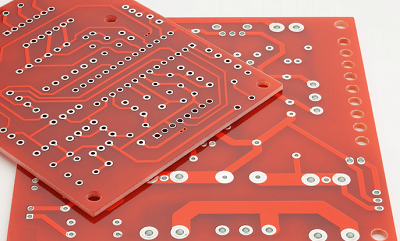
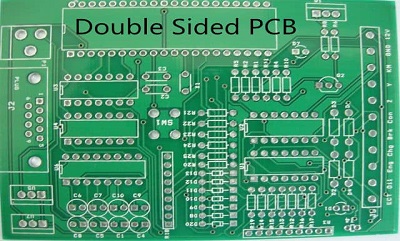
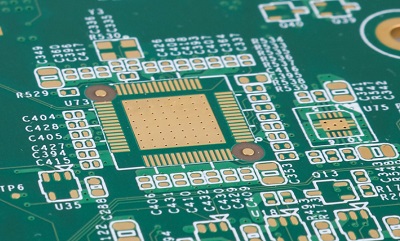
Figure below shows different types of circuit boards

circuit board Figure 1- Single Sided PCB

circuit board3 Figure 2- Double Sided PCB 

circuit board5Figure 3 - Multilayer PCB


There are many special features that are designed into the printed circuit board (PCB) that will increase the number of processing steps that it takes to complete the order. The combination of features can add additional cost to the raw PCB and increase the lead time to process.
When considering a PCB design and layout or redesign, it would be advantageous to consult with experts. Your printed circuit board supplier should have engineering resources to consult and review preliminary information and be able to assist with design suggestions.
Why High-Tech Multi-Layer PCB Features Add Cost and Processing Time
In this webinar we discuss multilayer features for printed circuit boards that add cost and processing time. We will also look at base costing materials, copper weights, common cost adders, plating finishes, processing, less common features, and more.

Disadvantages of Inconel

Peripheral Interface Microcontroller, PIC microcontrollers, came to the form in 1993. Initially, they were designed and developed to support PDP computers to control peripheral devices. PIC microcontrollers are fast and easy microcontrollers for executing programs in it. It is based on one of the famous architecture that is Harvard architecture.

Besides, the ease of programming, interfacing, wide availability, lower cost, serial programming capability, and more extensive user base are the reasons that make these PIC microcontrollers popular.

This article provides you with a brief explanation of the PIC microcontroller, which required consideration to select before choosing a PIC microcontroller. Additionally, it also listed the top 20 PIC microcontrollers that can be found in the market.

What Makes
us Special?

0
Sucessful Projects
fa fa-cogs
0
Satisfied Clients
fas fa-smile
0
Awards Won
fas fa-shield-alt

Why Choosing Us

30 Years of Experience

We have 27 years of experience in the machining and finishing of precision stainless steel parts.

Award Winning

Complete account of the system, and expound the actual teachings of the great explorer of the truth.

Warranty

Our goal is only one, to always find the best solution for our customers including shipping systems if require.

800+ Sucessful Project

Master builder of human happiness no rejects, dislikes, or avoids pleasure itself consequences .

Honest & Dependable

see our customer feedback

Professional Workers

Know how to pursue pleasure explain tconsequences that are ut extremely seds consequences.

Request for Quote

Deal With bennypass and
Get More Valuable Services

Explain to you how all this mistaken ideas of denouncing pleasures
and praising pain was born and I will give you a complete account of
the system.

For Business: For Business inquiry pls fill our feedback form and
Troll Free Number – (+39)347-051-5328.

favicon bacd

+(39) 347 051 5328

Italy - Kazakhstan

09.00am to 18.00pm

About

We offer the best and economical solutions, backed by 27+ years of experience and international standards knowledge, echnological changes, and industrial systems.

Marketing Materials

Spring Renovation
Industry
US Gas Company
Construct
Plus Project
Vam Drilling Service
X Project
X Project
Cabrrus Training

Marketing Materials1

Spring Renovation
Industry
US Gas Company
Construct
Plus Project
Vam Drilling Service
ultrasonic sensor
ultrasonic sensor
Cabrrus Training